Knowledge base How do I compare products?
By Insight Editor / 2 Feb 2023
Insight.com released an enhanced product comparison feature that’s currently available to all logged-out users and select logged-in users. If you want to use the legacy product compare feature, select here
Enhanced product compare
When reviewing a product search result page on insight.com, you can now compare up to four products simultaneously.
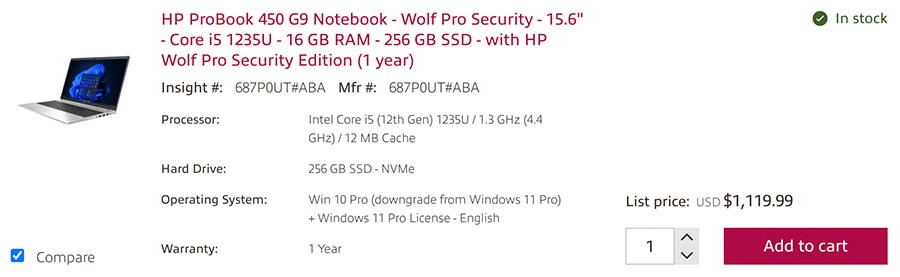
First, select Compare at the bottom left the products you want to compare.
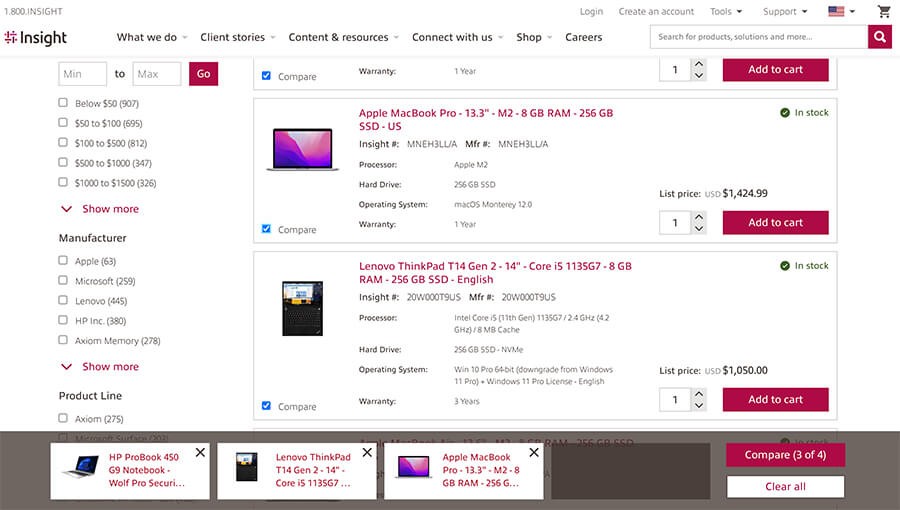
Once you’re ready to review the products, select Compare.
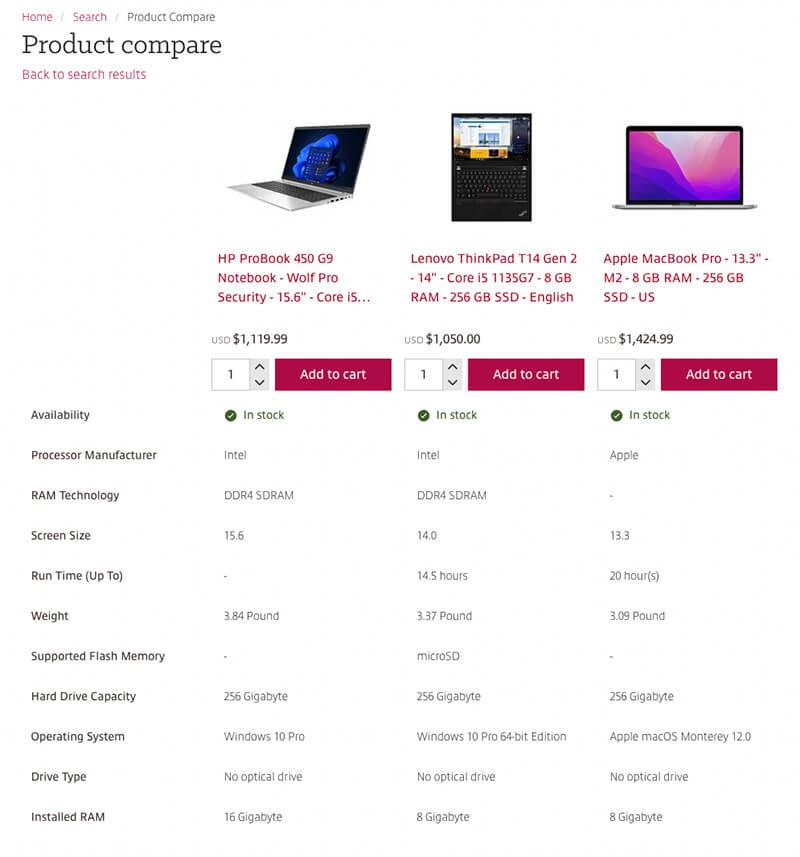
You’ll then be taken to the product compare page where you can review product images, names, specifications, price and more. As you adjust the quantity, the price will change accordingly. When you’ve made a choice, you can add the product to your cart and proceed to the checkout.
You can return to the product compare menu whenever you search for products until you delete your browser cookies or until your cookies expire.
Legacy insight.com product compare
There are two ways to compare products when you’re logged in to your account that has the legacy product compare capabilities.
You can compare products by using the Add to my compare list feature on the search results page. You'll get a side-by-side comparison of all the products you selected. You can also use the Compare similar feature from the search results page to view a side-by-side comparison of the most similar products available online.