Knowledge base Can I edit a quote?
By Insight Editor / 26 Jun 2019 / Topics: Featured
Yes, you can click the pencil icon under Quote Details to edit a quote. This creates a copy of your quote and then you can make changes to the products in your cart.
You can add products, remove products, or change product quantities, and then save the new quote. It will have a new quote number.
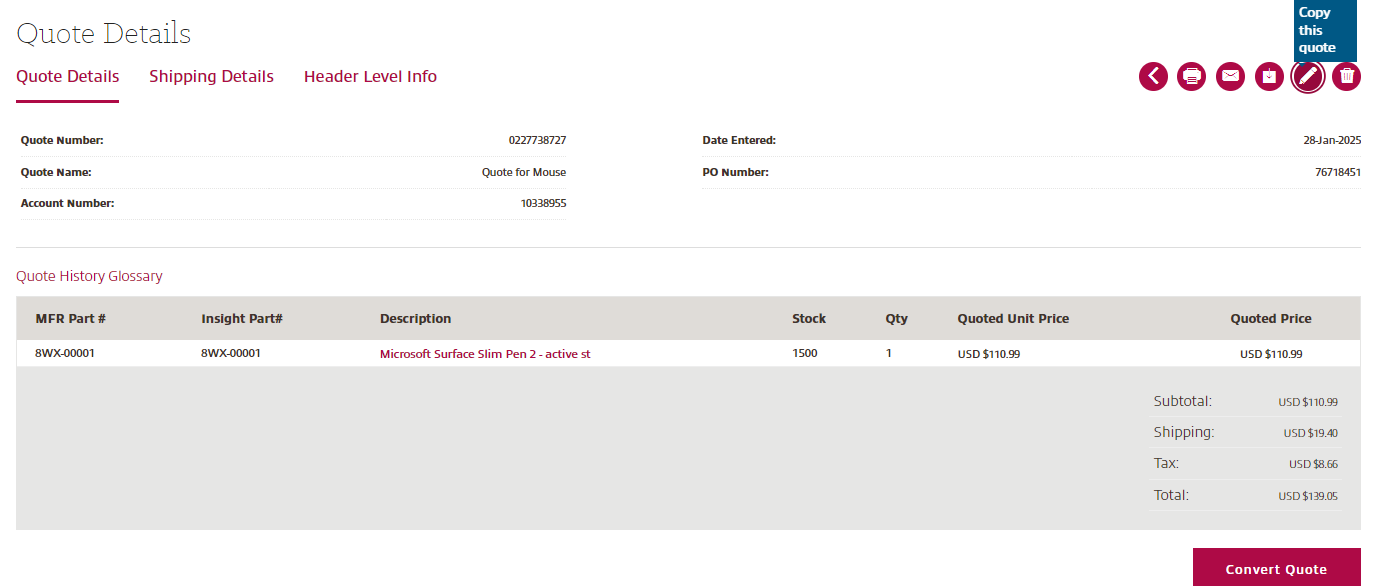
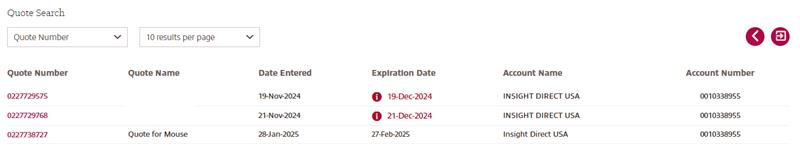
From the Quote History menu, select the quote number you want to revise. Keep in mind that the quote will revert to standard pricing, so any special pricing on the original quote will be lost.
Once completed, you will still have your original quote or quote number untouched and have a brand-new quote with your desired changes.