
Mac is secure
by design.
Apple hardware and software are designed together — which makes advanced security seamless. Powerful features protect users and devices, while built-in frameworks enable IT to manage security systemwide.
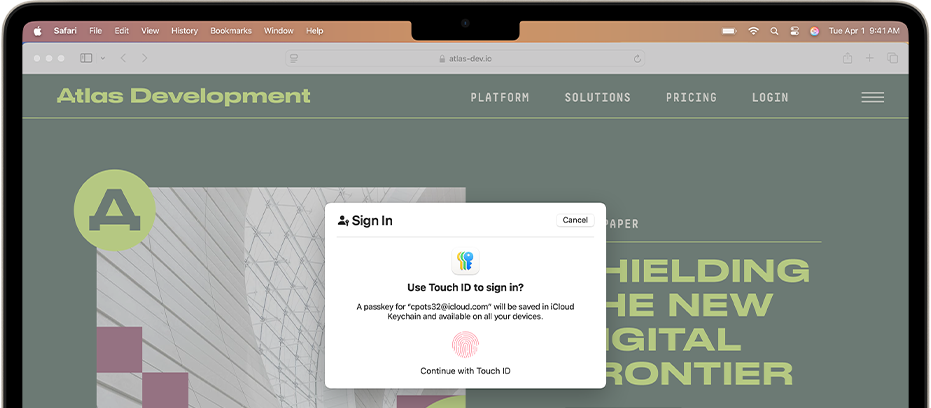
Secure to the core.
Kernel-level protection defends macOS from modification by third parties. And the Secure Enclave isolates and protects sensitive data such as encryption keys and biometrics.
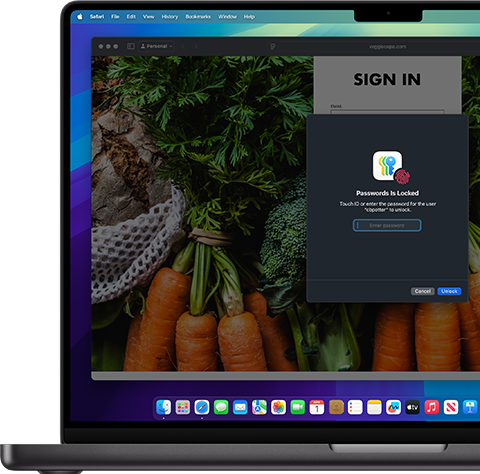
Airtight access.
At your fingertip.
Touch ID gives users a fast, easy, and secure way to unlock their Mac, open protected files, and manage two-factor authentication.

Malware?
Not here.
XProtect automatically detects and removes viruses and malware on Mac, while Gatekeeper and Notarization keep users from accidentally installing malicious software.

Keep your guard up to date.
Free automatic updates run in the background to provide the latest macOS protection available — helping company devices stay secure and reliable.
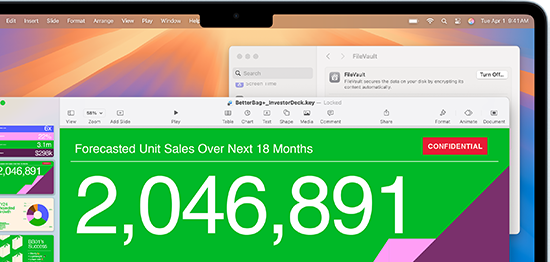
A safe space
for your data.
FileVault encrypts and protects files and data on Mac, keeping valuable company and customer information safe without you having to think about it.
Zero-touch deployment.
Zero worries.
Mac works seamlessly with your mobile device management solution. So you can easily set up Mac for your whole team, from anywhere.
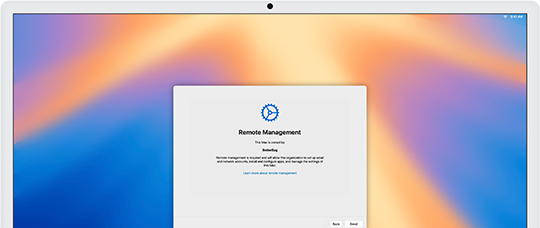
Endpoint security. Detect and protect.
With Apple's Endpoint Security Framework, developers can build solutions on Mac that let IT monitor and respond to security risks without compromising performance.

Exceptional performance. Powered by expert support.
Insight combines powerful Apple technologies with proven services expertise — delivering the tools, knowledge, and support to seamlessly integrate Apple products into your organization.
Great teams deserve great tools.
Let Insight handle your Apple ecosystem, so you can focus on what moves business forward.
Additional resources for Apple



1 Apple Intelligence is available with Siri and device language set to U.S. English. Some features and additional languages will be coming over the course of 2025.
◊ Display: Screen size is measured diagonally. Actual diagonal screen size of the 24-inch iMac is 23.5 inches. The displays on the MacBook Air with the M1 chip and the 13-inch MacBook Pro measure 13.3 inches diagonally. The displays on the 13-inch MacBook Air with M2 or M3, the 15-inch MacBook Air, and the 14-inch and 16-inch MacBook Pro have rounded corners at the top. When measured as a standard rectangular shape, the screens are 13.6 inches, 15.3 inches, 14.2 inches, and 16.2 inches diagonally (actual viewable area is less).
◊ Storage: 1GB = 1 billion bytes and 1TB = 1 trillion bytes; actual formatted capacity less.
◊ Battery: Battery life for Apple TV app movie playback. Battery life varies by use and configuration. See apple.com/batteries for more information.
◊ Touch ID: Magic Keyboard with Touch ID is included with iMac (M3) systems with 10‑core GPU and iMac (M1) systems with 8-core GPU. It is available as an option on iMac (M3) systems with 8‑core GPU and iMac (M1) systems with 7-core GPU.